Dithering Generator For Aseprite
A downloadable tool
DITHERING GENERATOR
— Professional Procedural Shading Engine —
Are you still drawing dither patterns by hand? Or do you feel limited by the few basic Bayer matrices built into Aseprite? Shading shouldn't be a time-consuming grind.
Automate the noise — a powerful procedural dithering engine built directly into your workspace.
Generate multi-color gradients, create custom threshold maps, or turn any brush into a textured stamp instantly. This plugin handles the technical heavy lifting, so you can stop clicking pixels and focus purely on your art!

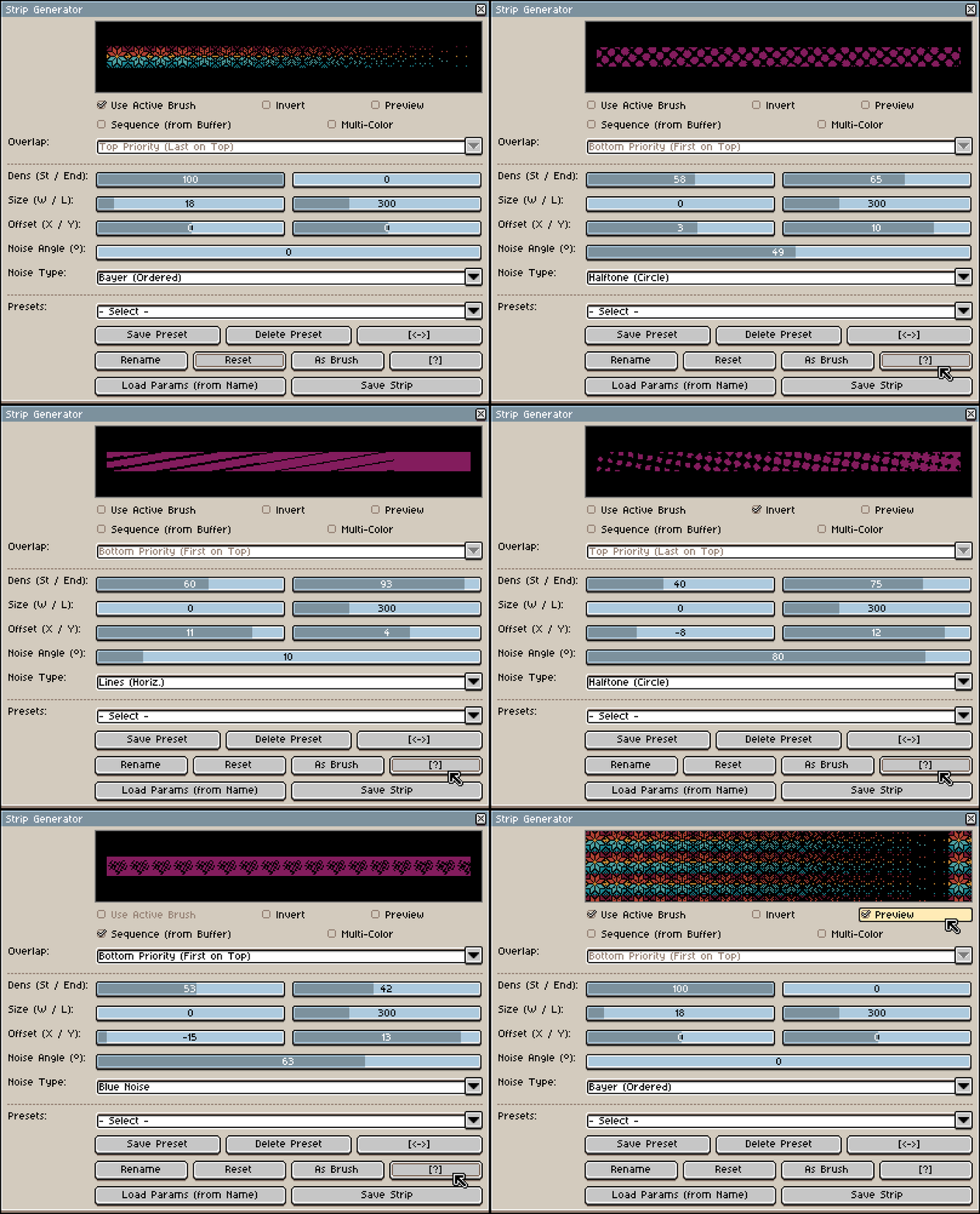
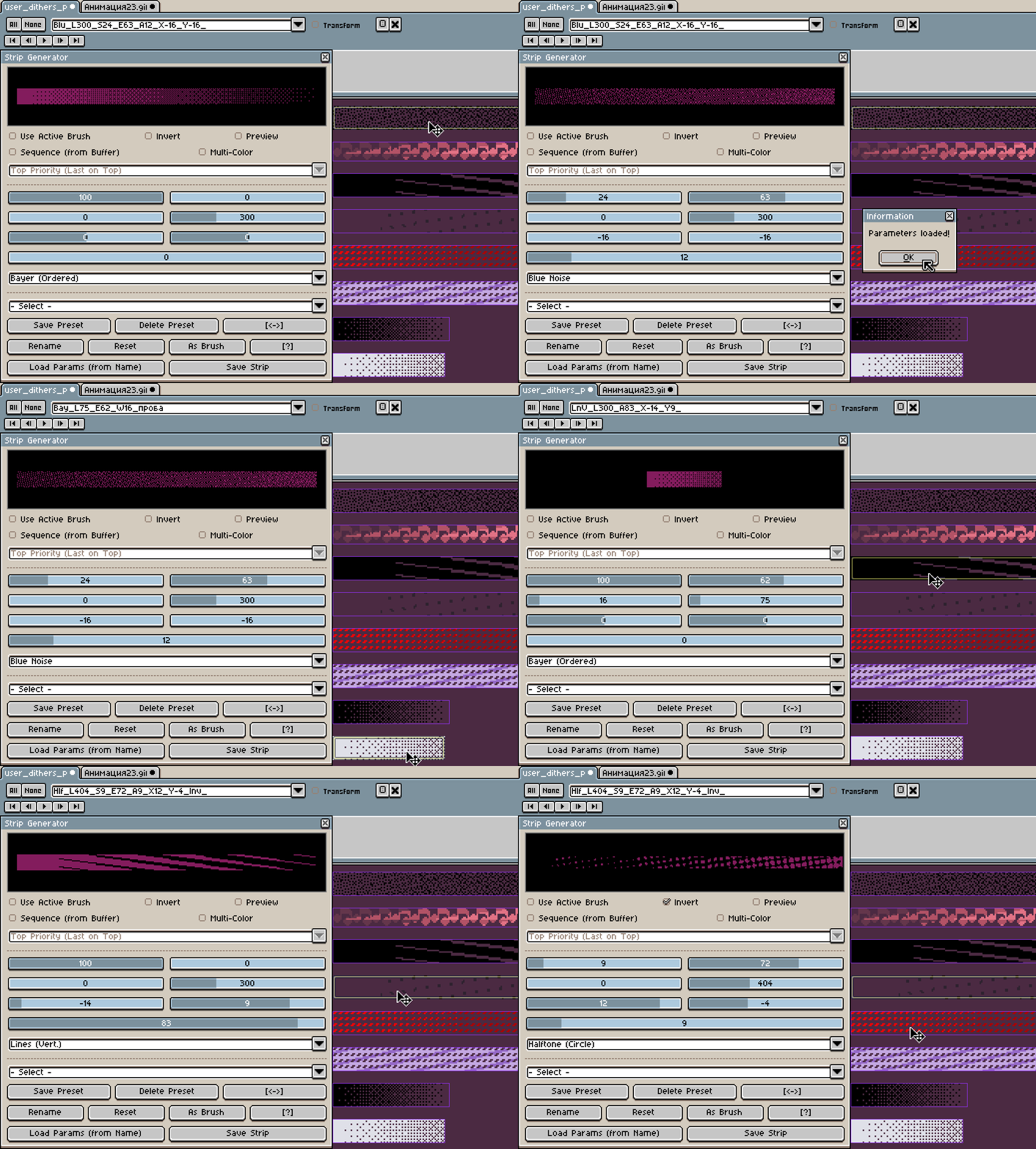
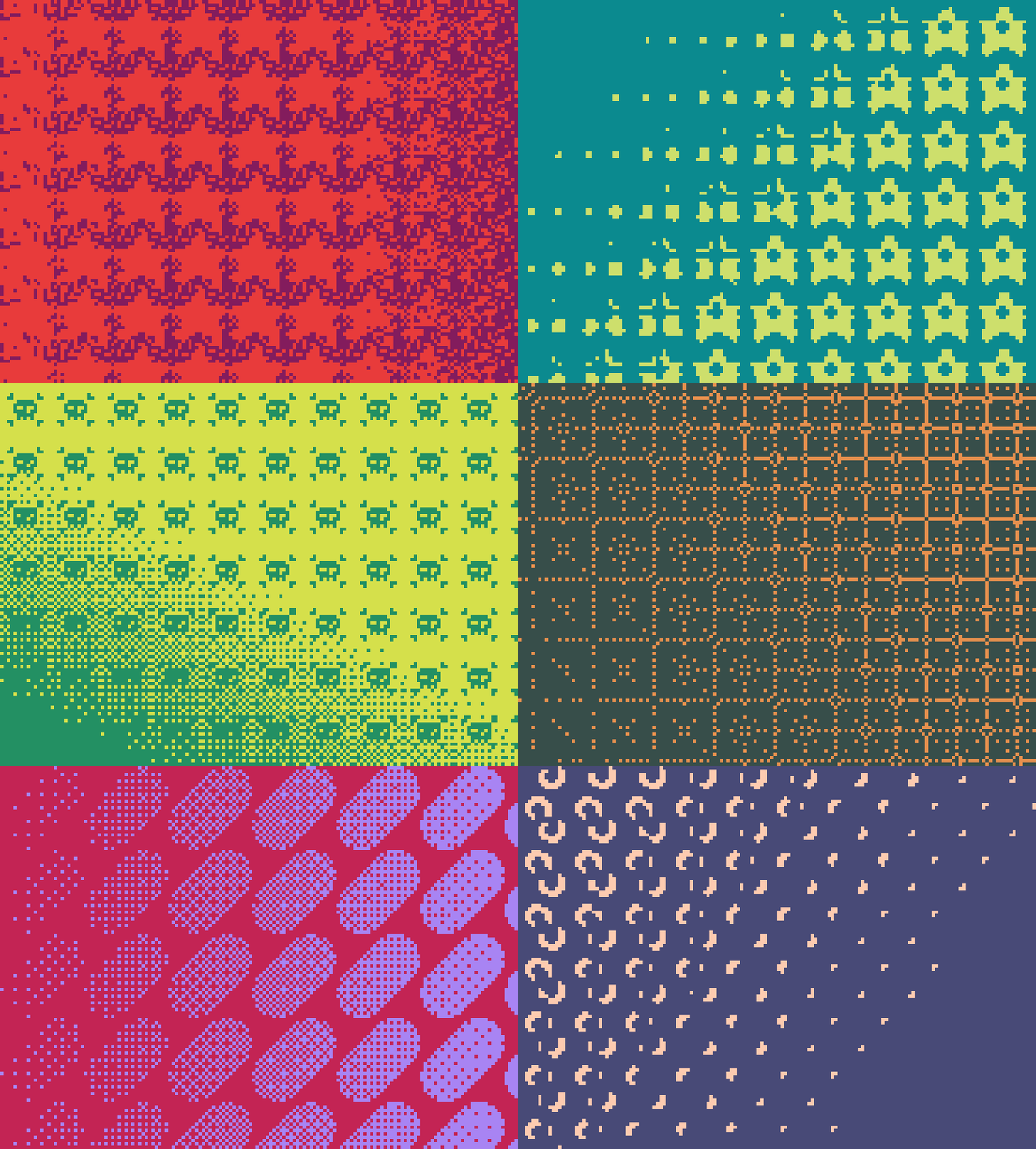
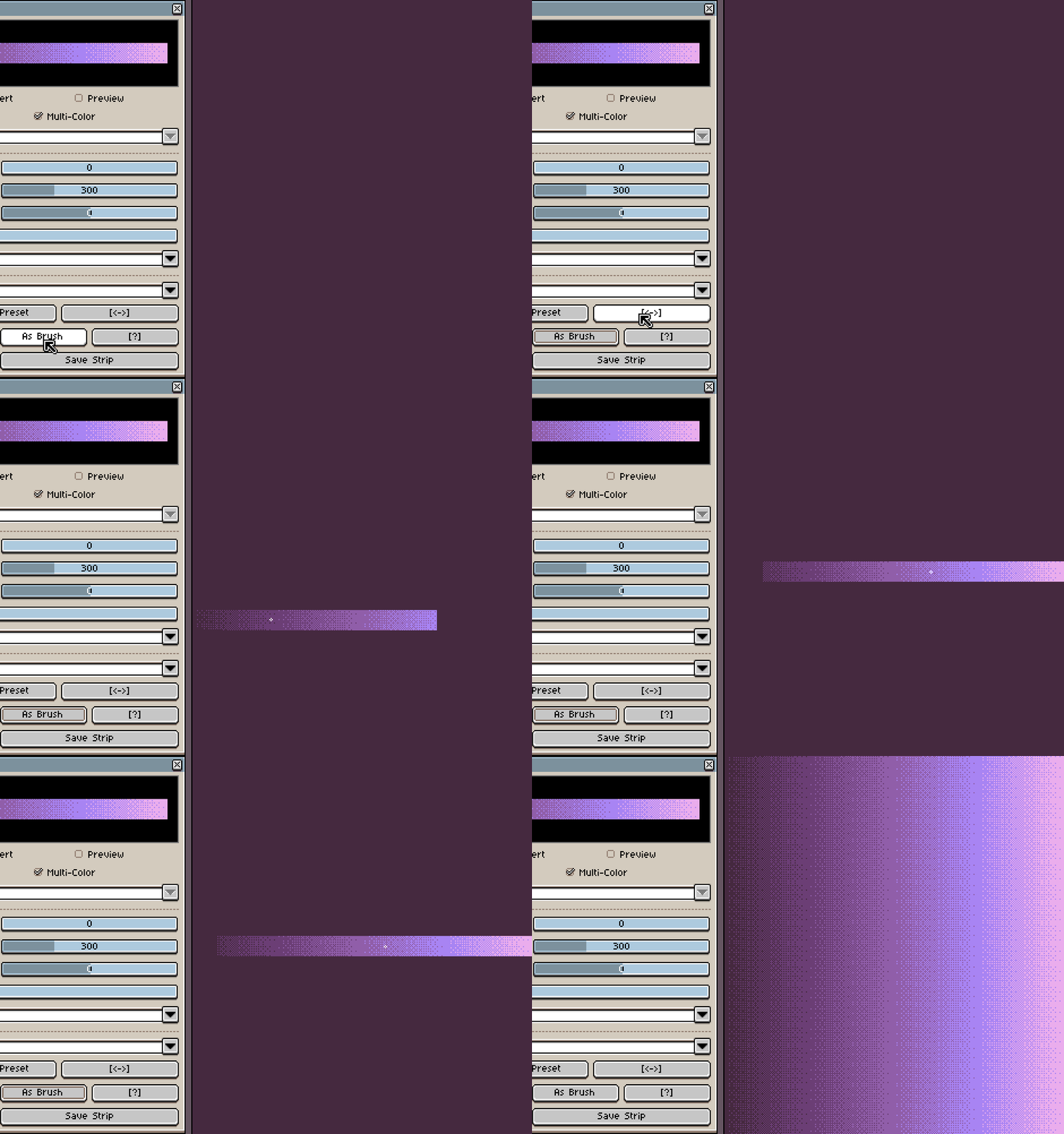
- Density Gradients: Generate transitions by setting Start and End density percentages. Toggle Live Tile Preview to check pattern seamlessness.
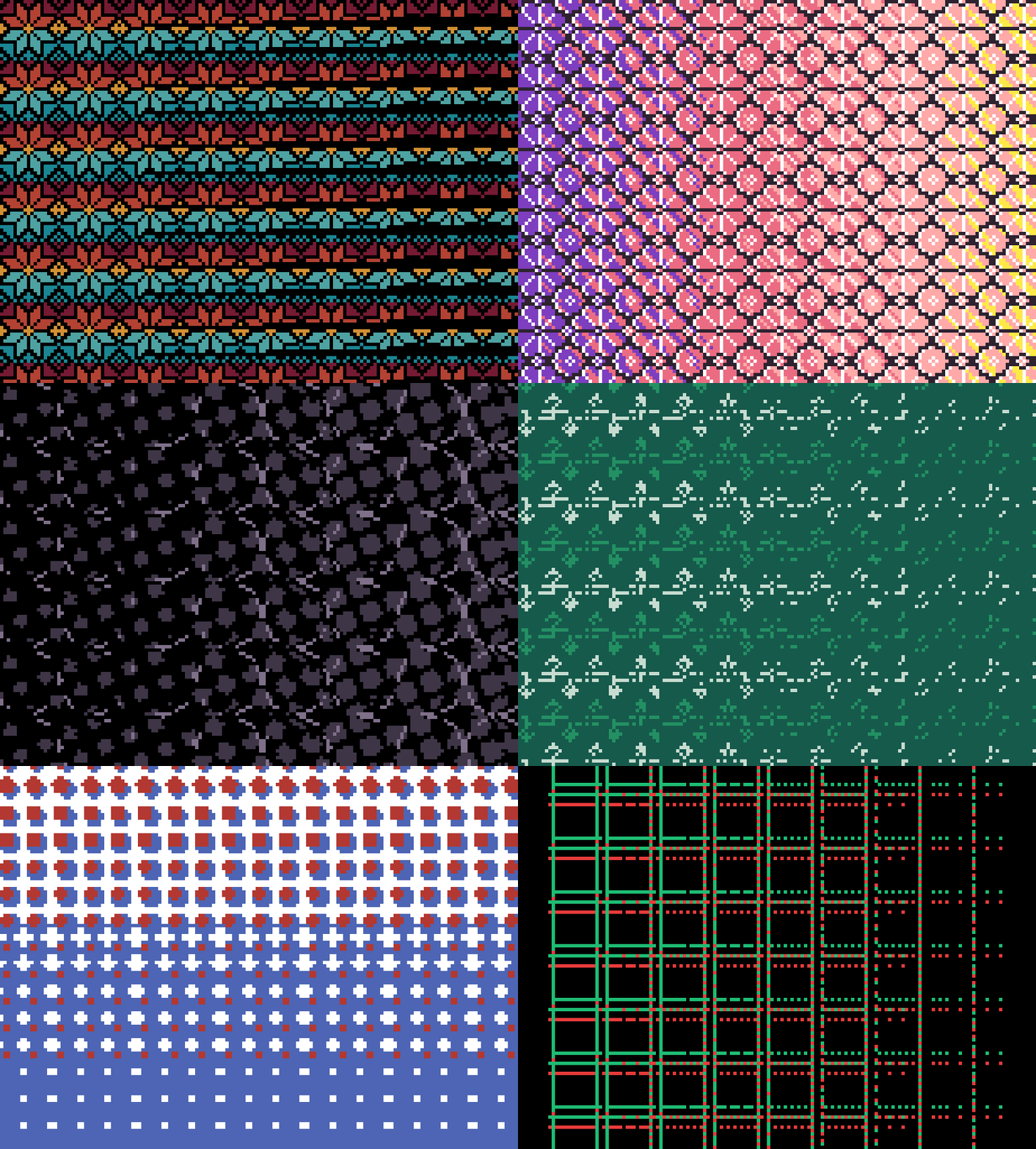
- Multi-Color Mode: Use selected palette colors for the gradient instead of transparency. Works with any noise type.
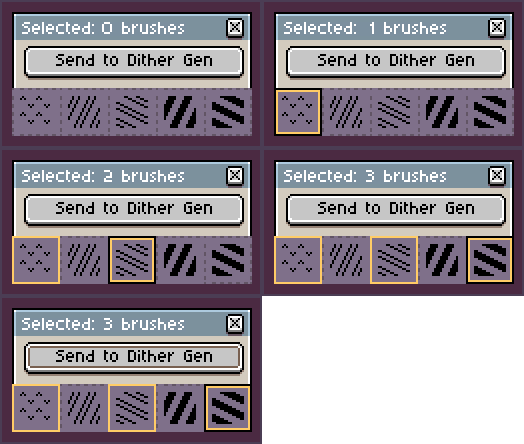
- Sequence Buffer: Import multiple brushes from Brush Manager Pro and blend them with Top/Bottom priority.
- Swap & Invert: Use [<->] to swap Start and End values. Use Invert to flip the noise pattern.
- Instant Access: Save strips to your library ("user_dithers_pro.aseprite") or apply them as a brush immediately via the "As Brush" button.

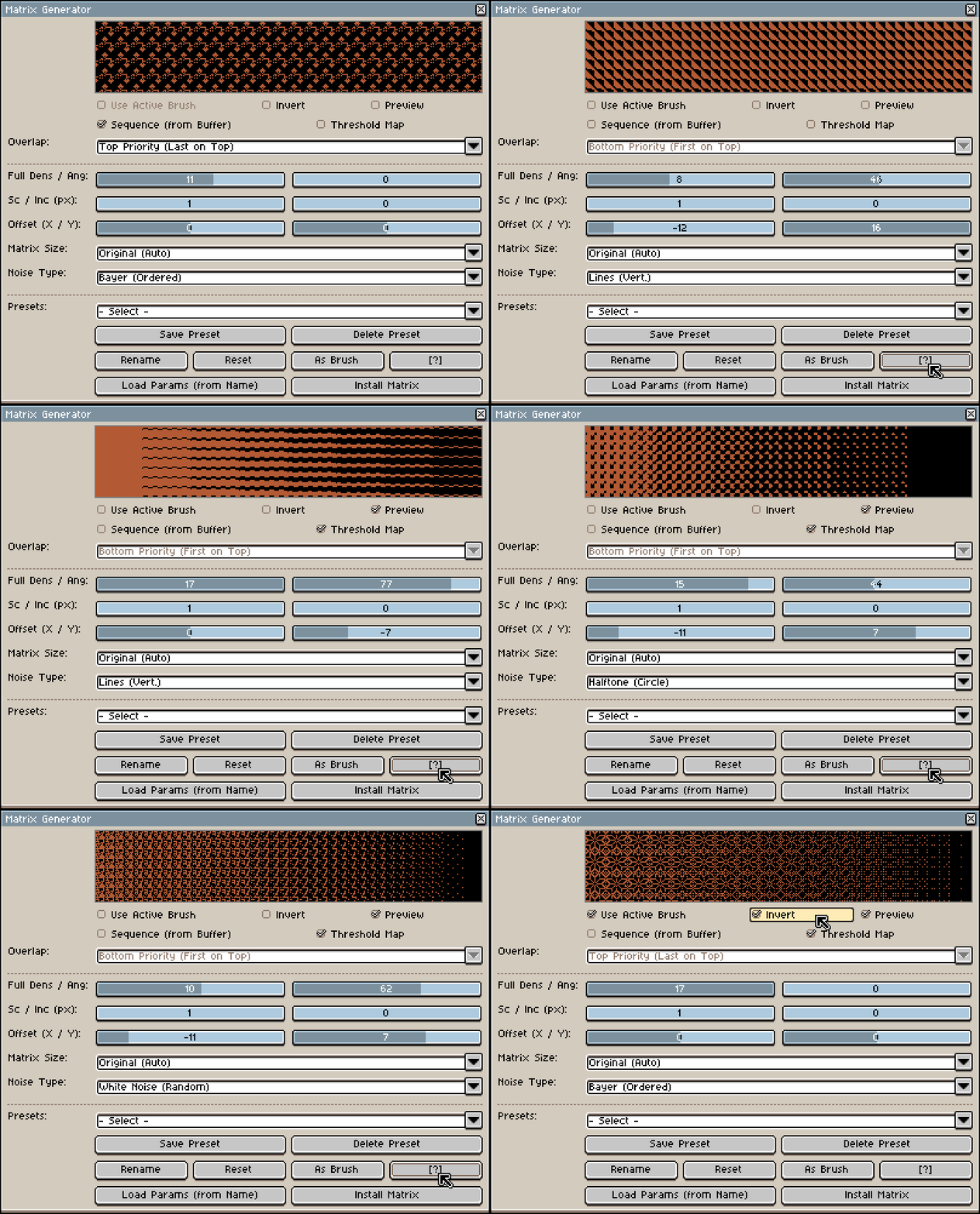
- 8 Noise Types & Invert: Generate patterns using Bayer, Blue Noise, White Noise, Halftone, or Lines. Invert the result instantly.
- Threshold Maps: Create 8-bit grayscale height maps instead of 1-bit monochrome pixels for smooth blending.
- Custom Silhouettes: Apply noise directly to your Active Brush. Customize it with adjustable offsets, scaling, and rotation angles.
- Tile Control & Preview: Set a fixed matrix size (2x2 to 16x16), scale patterns, or add pixel padding. Toggle Live Tile Preview to check seamless repeating.
- Native Tool Install: Click "Install Matrix" to add your pattern directly to Aseprite's native Gradient Tool (requires restart).
Tip: Always keep "Threshold Map" enabled for custom shapes to ensure the noise follows your brush silhouette perfectly.

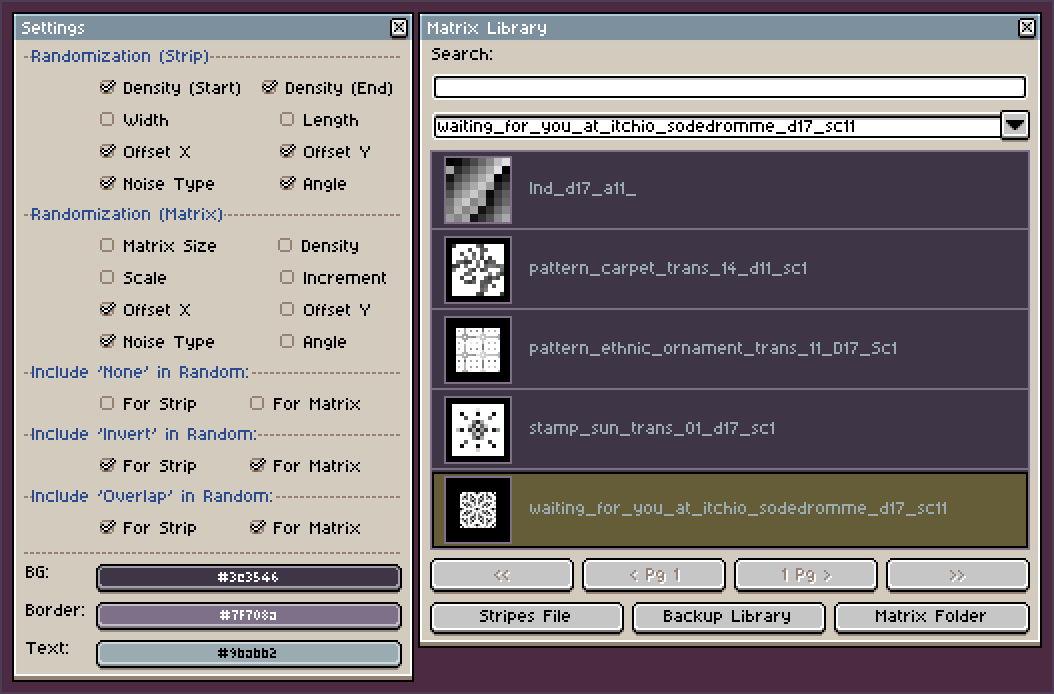
- Randomization: Use the [?] button to randomize angles, noise types, and densities. Choose which parameters are affected in the Settings.
- UI Customization: Adjust background, grid, and text colors of the plugin window to match your Aseprite theme.
- Matrix Library Manager: Manage installed matrices with multi-selection (Shift/Ctrl) for batch-renaming and deletion. Includes a 1-click Backup system.
- Presets & Reset: Save settings to custom Presets, auto-load parameters from slice names, or use [Reset] to clear all values.

- Brushes Not Included: This plugin is a tool to generate and organize your existing assets. The brush images shown in screenshots are for demonstration purposes only.
-
Need Brushes? Check out my Premium Pack (605+ unique presets)! It’s 100% compatible and pre-sliced. Just click "Add file" in the File menu to start drawing immediately. A free sample pack is also available to test it out!
- Requirements: Aseprite v1.3.16 or newer is highly recommended for full stability.
- Safe Storage: Do not delete the "user_generated_dithers" folder from your extensions, or you will lose your saved matrices!
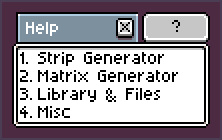
- Need Help? Before leaving a comment, make sure to read the built-in Help menu (the "?" button) for guides and troubleshooting.
* UI & Themes Note: This plugin is designed and optimized for the default Aseprite theme and fonts. Using custom themes with modified fonts may cause the plugin's windows to stretch or display incorrectly.
* Display Issues? If the plugin windows look squished or too large on your screen, go to Aseprite Preferences → General and try tweaking the Screen Scaling and UI Element Scaling (e.g., 100% / 200% or vice versa) to find the perfect fit for your monitor size.

— Seamlessly connects with my Brush Manager Pro plugin —
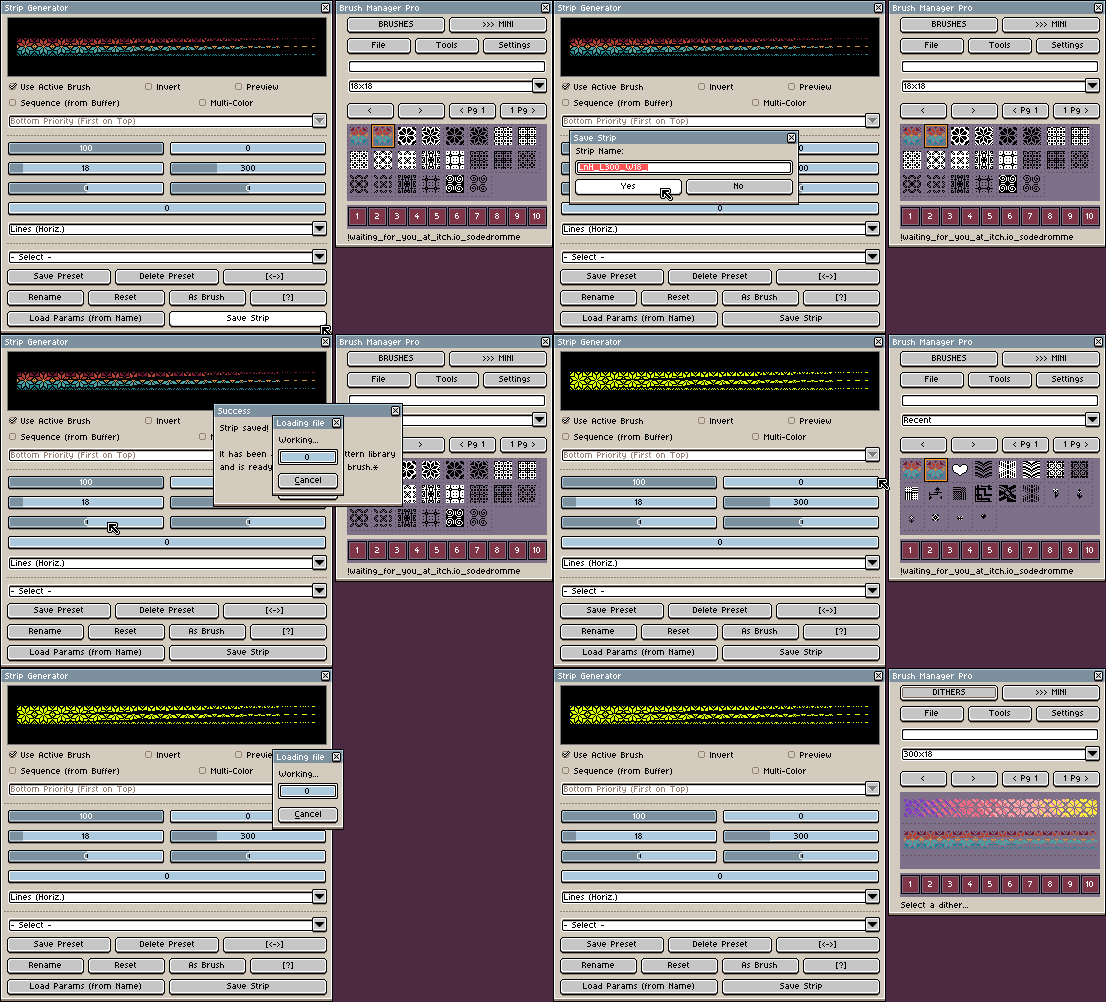
- Select multiple brushes and send them to the generator to create complex matrix sequences instantly.
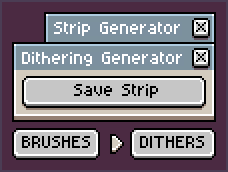
- Instant Access: Save your generated strips and instantly find them in the "Dithers" tab to use as brushes.

— Full UI and Help support —


- Switches automatically based on Aseprite preferences
Want the tool in your native language? More can be added based on your feedback — feel free to request yours in the community section below!

— Premium License —
- You may use this plugin to create artwork for personal and commercial projects.
- You may modify the code strictly for your own personal use (e.g., custom tweaks for your workflow).
- You can't redistribute, resell, or share the plugin (neither the original nor your modified version).
- You can't include this plugin in any paid or free asset packs, bundles, or software compilations.
- You can't use the code for AI training datasets.

— Access issues? —


If you can't get access to the plugin because your local payment methods are not supported here, please contact me directly using the links above!
(Не проходит оплата из-за блокировок в РФ? Напишите мне в Discord или на почту, я помогу получить доступ!)
Support the project! If Dithering Generator helps your drawing process, please leave a rating and a short review. Your feedback means a lot!
Found a bug or still have questions? If the built-in Help menu didn't solve your issue, feel free to let me know in the comments below so I can fix it or help you out. Thank you!

Current version: 0.9.0
License: Proprietary (EULA). Commercial use for artwork creation is permitted. Resale or redistribution of the plugin itself is strictly prohibited.
Purchase
In order to download this tool you must purchase it at or above the minimum price of $3.49 USD. You will get access to the following files:
Development log
- V0.9.0 Released: Stop drawing dithering dots by hand!29 minutes ago
Leave a comment
Log in with itch.io to leave a comment.